1
Draw
Drag to place members. Members that share an end automatically join at a node, and endpoints snap to the grid and to existing nodes. Tap any length to type an exact value.
iStruct2D is a 2D structural-analysis sketchpad for iPad. Draw beams, frames and trusses by hand, apply real supports and loads, and get reactions, shear, bending, axial and deflection — in a single tap.
The same four steps the in-app walkthrough teaches — designed so the theory behaves the way you expect.
Drag to place members. Members that share an end automatically join at a node, and endpoints snap to the grid and to existing nodes. Tap any length to type an exact value.
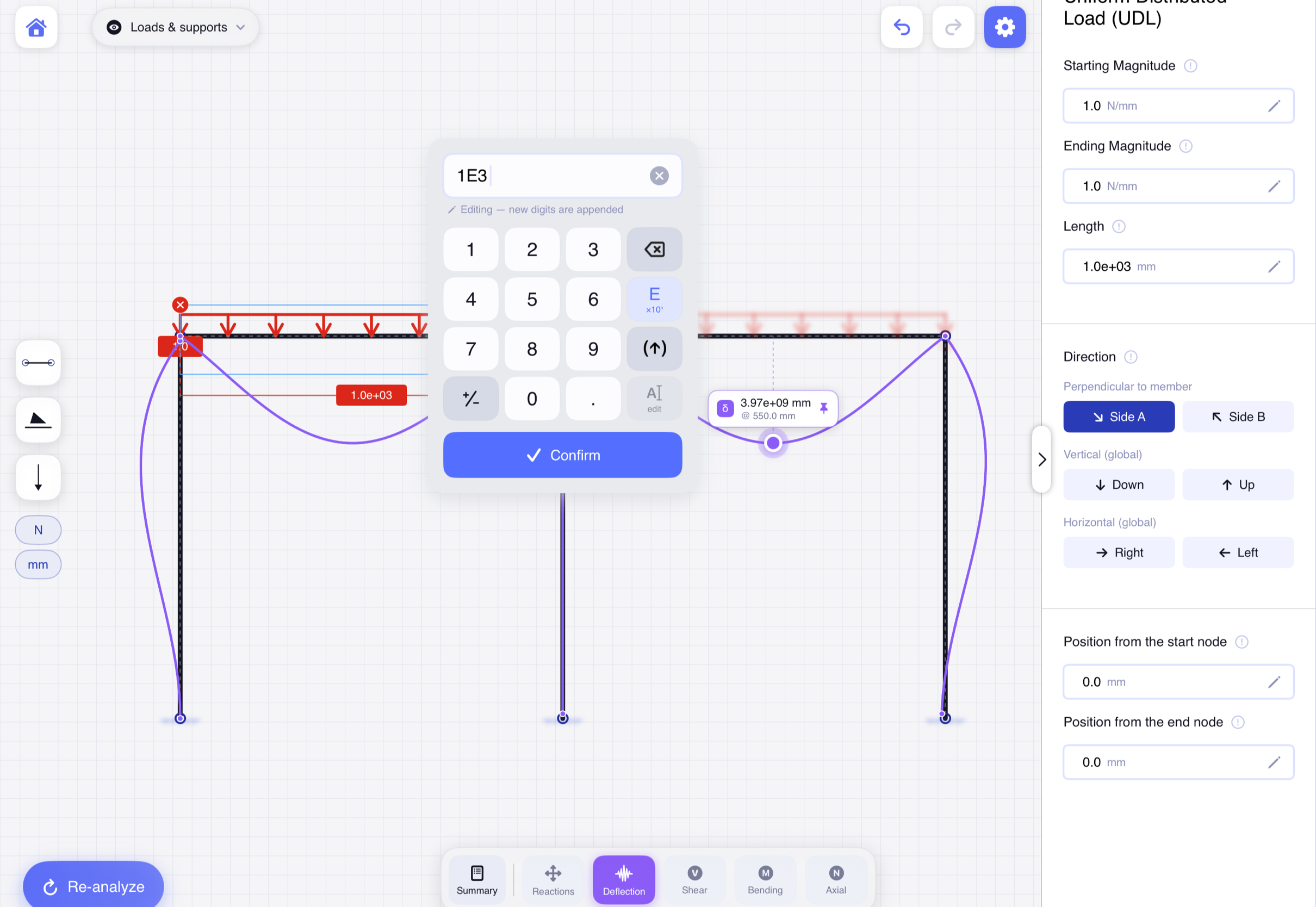
Drop pins, rollers and fully-fixed supports onto nodes. Add point loads, moments and distributed loads — uniform or trapezoidal — onto members. A drop ring turns green the moment it will attach.
Tap Analyse. Each connected structure in the workspace is solved on its own with the direct stiffness method — stable ones are solved, unstable mechanisms are detected and clearly flagged.
Toggle reactions, shear, bending, axial and the deflected shape. Scrub along any member to read the exact value at any point — critical values are located for you automatically.
Every part of the app maps to how a real beam or frame is drawn, loaded and solved.
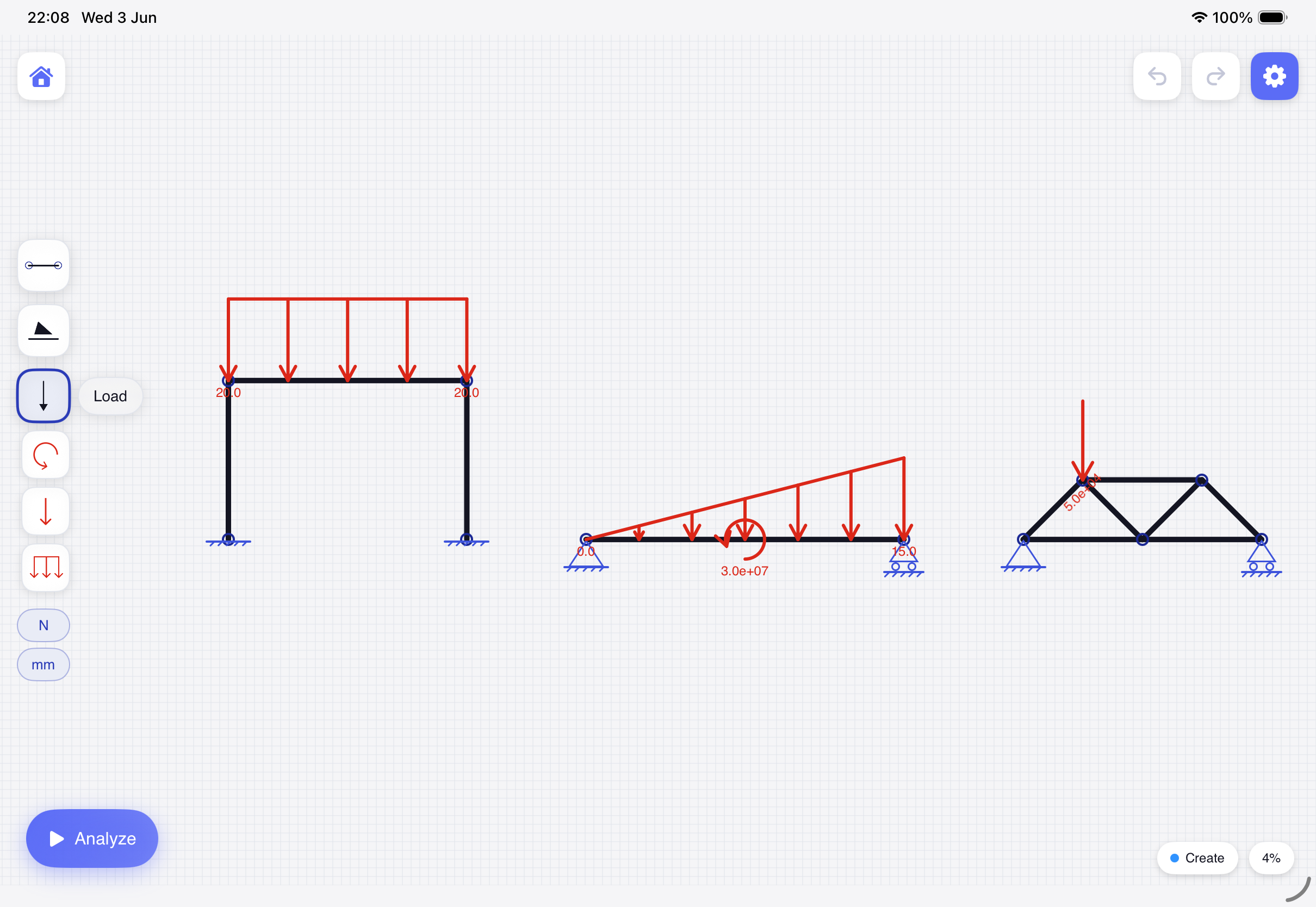
Members that share an end weld into a node automatically, endpoints snap to the grid and to existing nodes, and you can tap any length to type an exact value. Two fingers pan and zoom — or turn on Apple Pencil mode to draw while your fingers navigate.
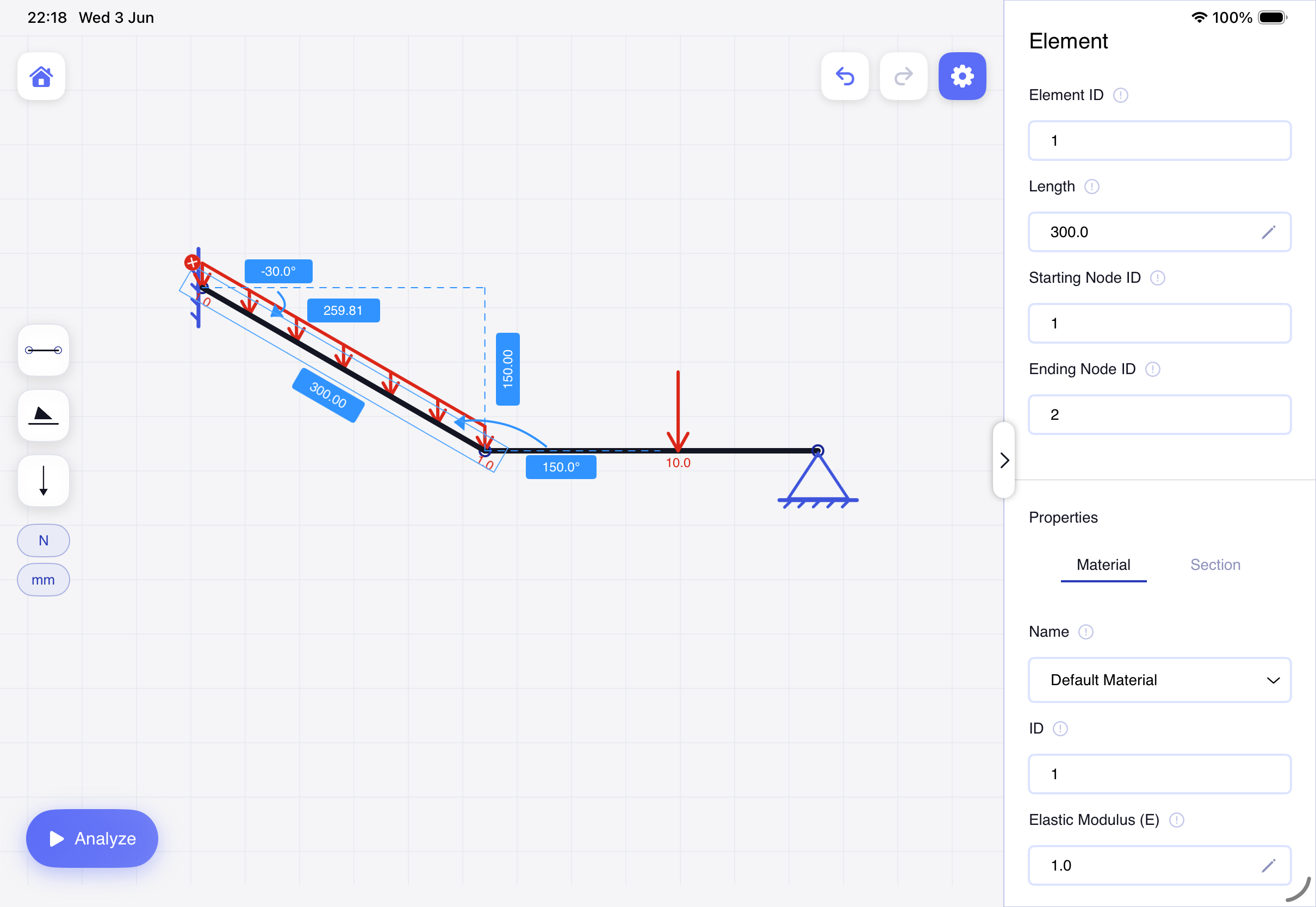
Pin, roller and fully-fixed supports — tap to set the orientation, then drag onto a node. Point loads, moments, and distributed loads that can be uniform or trapezoidal with separate start and end magnitudes, acting perpendicular to the member or locked to a global axis.
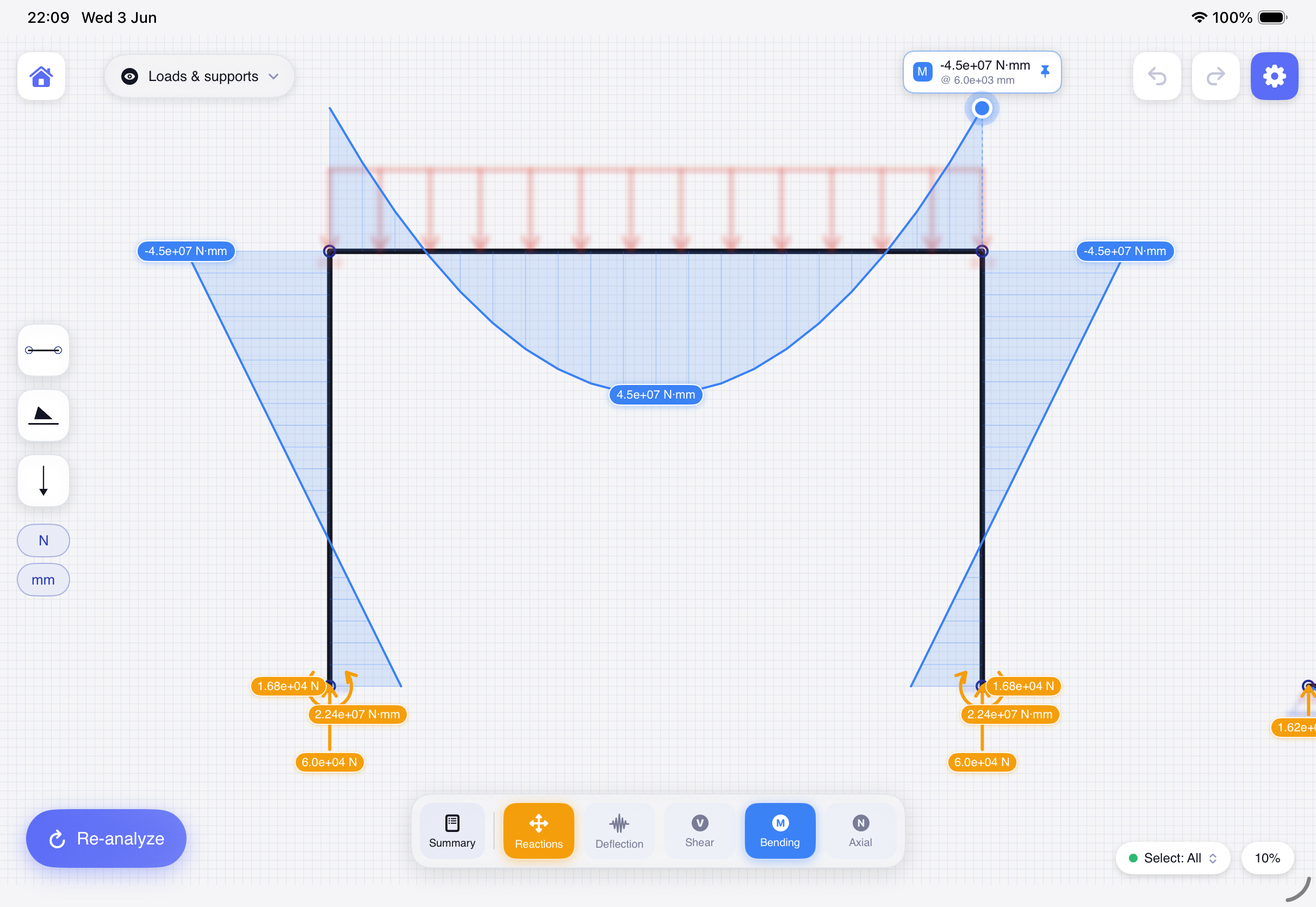
Every structure is solved with the same direct stiffness method used in professional analysis software. Build several independent structures in one workspace and each is solved on its own; unstable structures and mechanisms are detected and clearly highlighted.
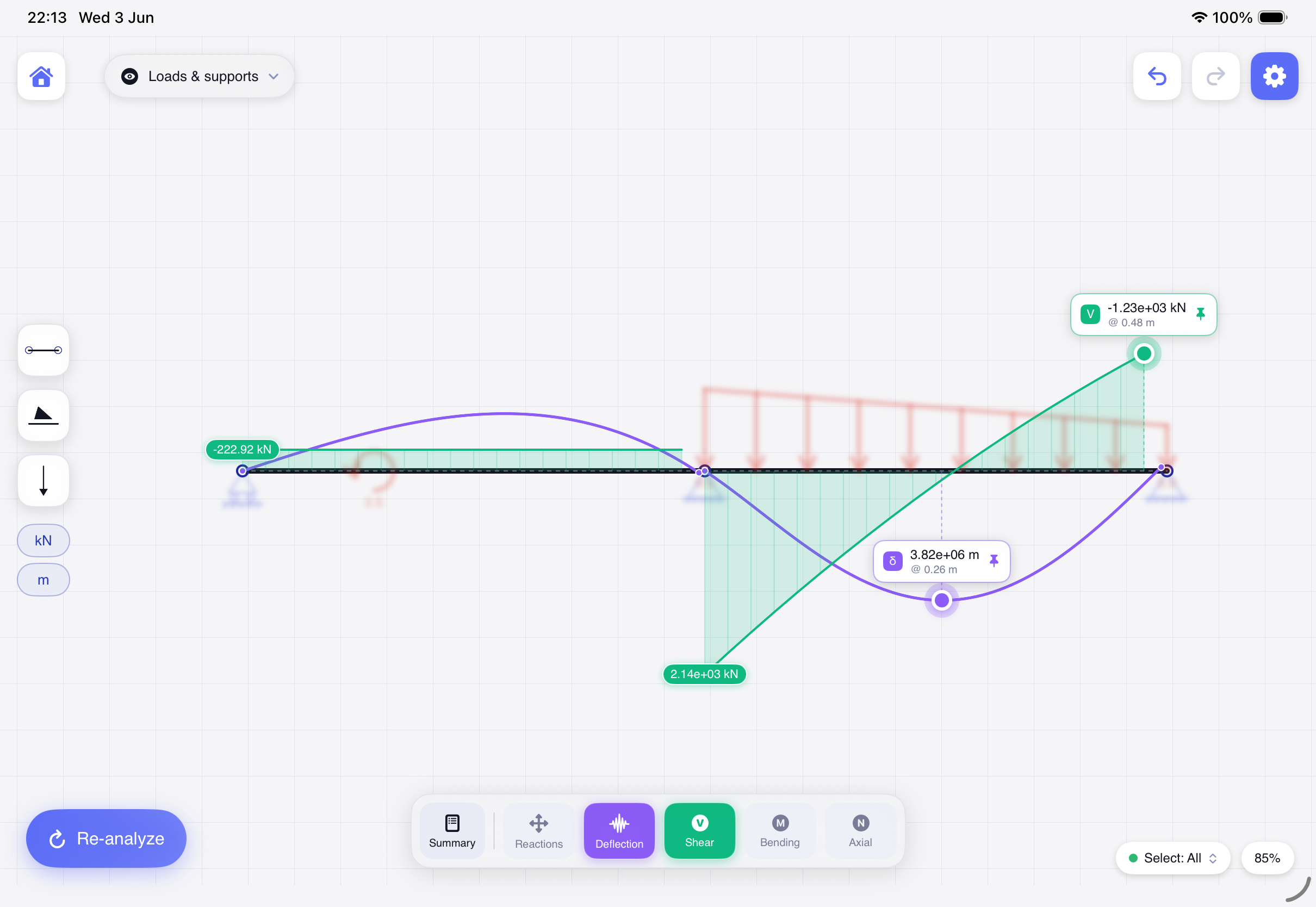
Toggle reactions, shear, bending, axial and the deflected shape. Scrub along any member to read the exact value at any point, tap a single reaction to inspect it alone, and let the app locate the critical values for you. Show, blur or hide the loads and supports over the diagrams.
iStruct2D speaks the same colour language an engineer reads on paper — so every diagram is instantly legible.
Support forces resolved at every restraint — tap one to inspect it alone.
The internal shear force stepping along the member.
The bending-moment diagram, with maxima found for you.
The deflected shape, exaggerated so you can see how it moves.
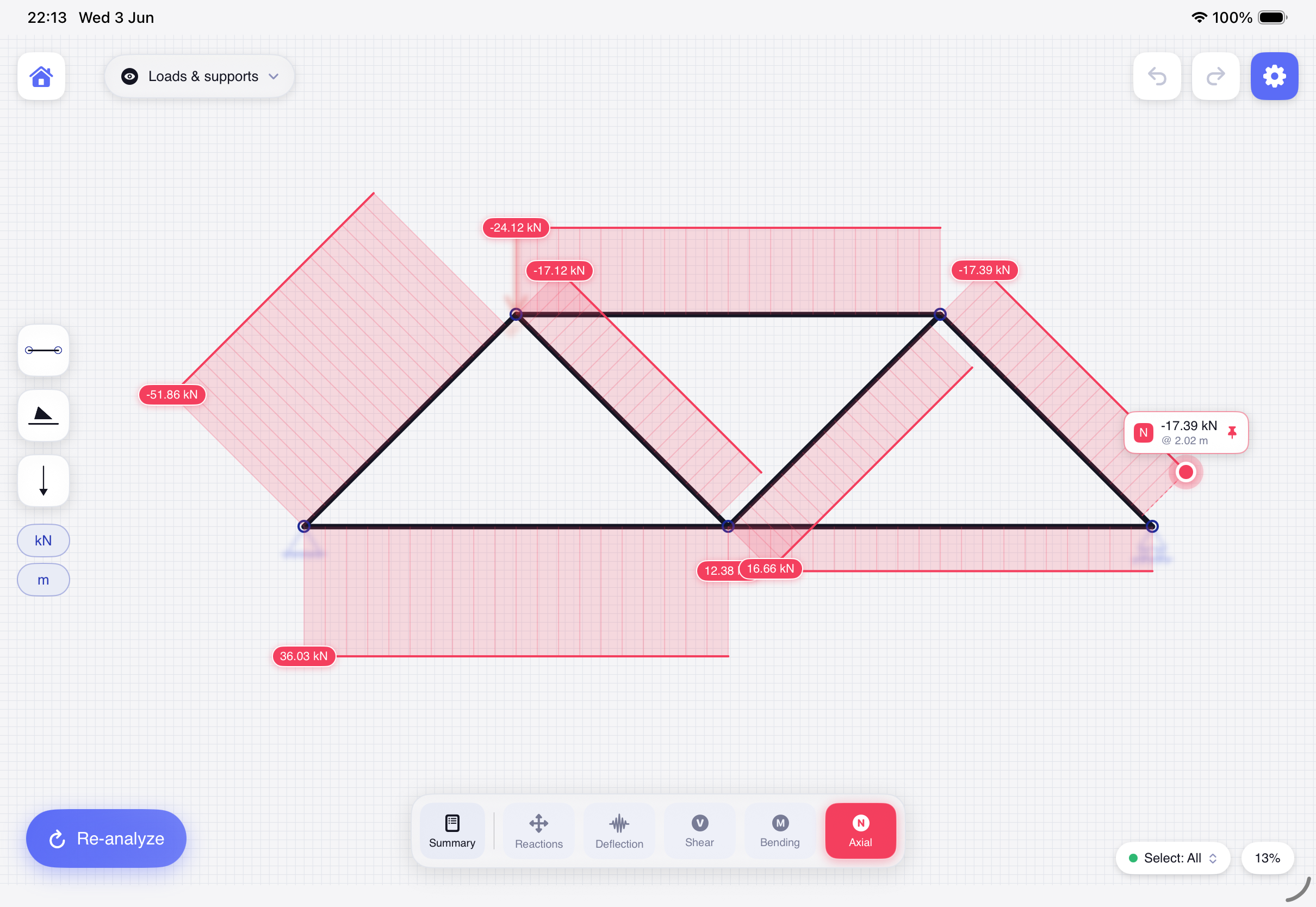
Axial force is drawn in red — tension and compression read at a glance across a truss.
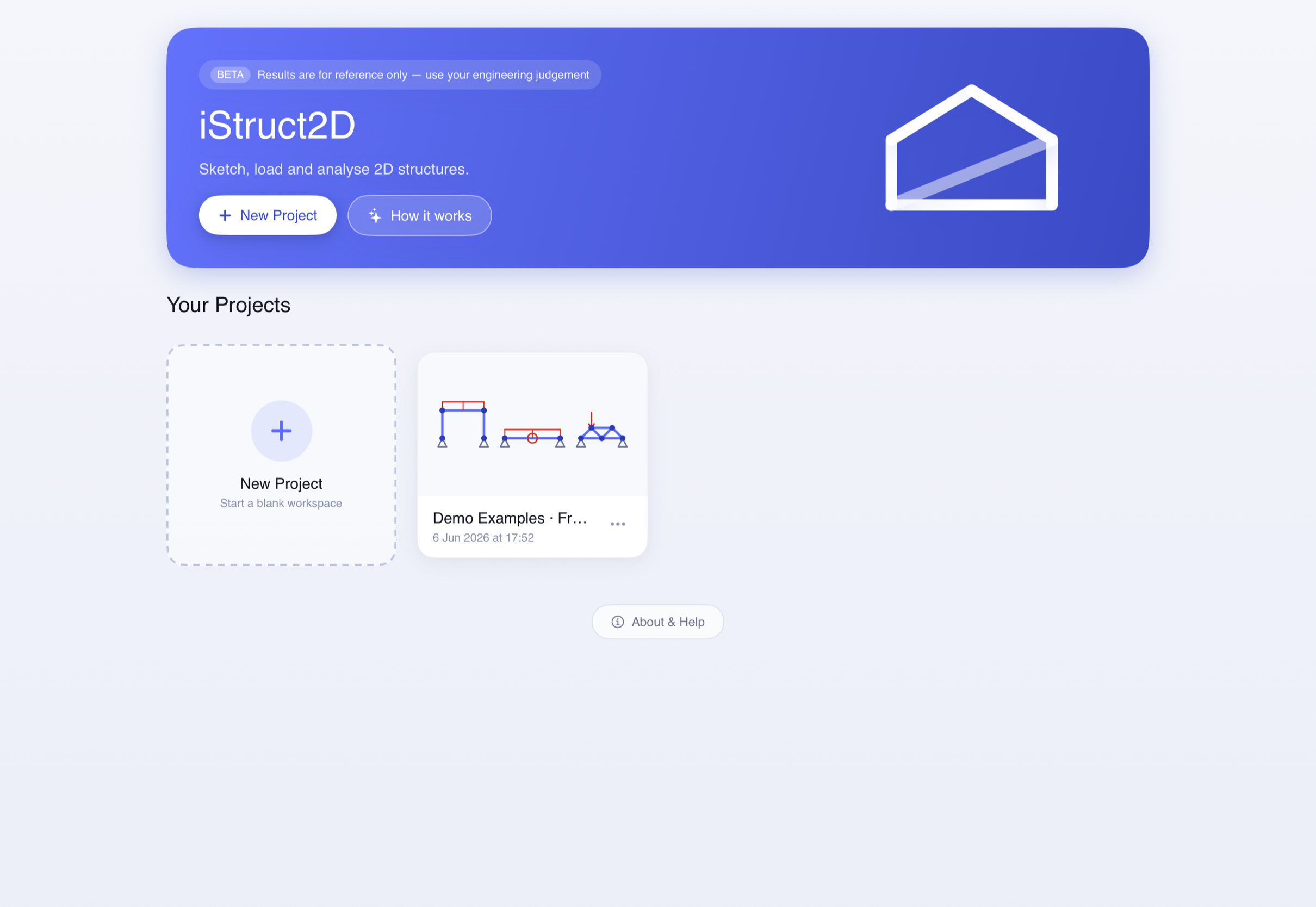
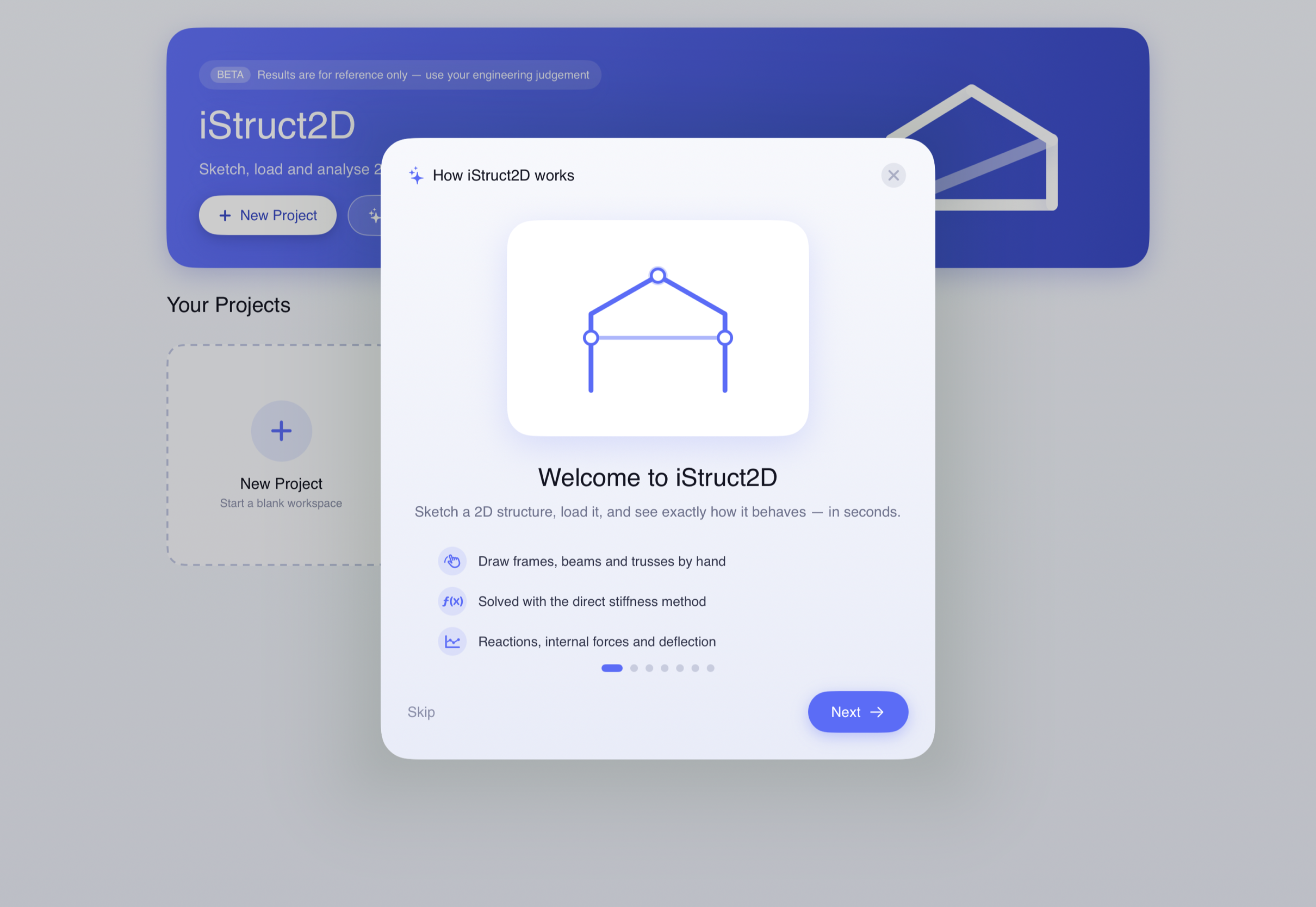
Real screens from iStruct2D. Tap any screenshot to view it full-size.
iStruct2D is available now on the App Store for iPad (iPadOS), currently in beta. Native macOS, visionOS, Android and Windows versions are in development.
Want a heads-up when a platform lands? Reach out to the developer and we'll let you know.
Learning statics and structural mechanics — watch reactions, diagrams and deflected shapes behave exactly as the theory predicts.
Demonstrating reactions, internal forces and deflected shapes live in class — sketch a structure and solve it in front of the room.
Sketching a quick check or sanity-testing a result on the go — from the back of a napkin to a solved frame, on your iPad.
The University of Queensland, School of Civil Engineering
The same solver foundation as professional software
Projects stay on your iPad — no account, no tracking
iStruct2D is designed, built and owned by Weng Chong LAO. The app is 100% owned by the developer and was co-developed in collaboration with The University of Queensland, School of Civil Engineering. © 2026 Weng Chong LAO — all rights reserved.
Questions, feedback, partnership or licensing enquiries? Reach out directly — I'd love to hear how you're using it.
Draw a beam, frame or truss with your finger, add supports and loads, and tap once for reactions, shear, bending, axial and deflection. Now in beta.
iStruct2D is in beta and intended for learning, exploration and preliminary reference. Results are for reference only and must be independently verified — always apply your own engineering judgement. iStruct2D is not a substitute for a qualified structural engineer, accredited design software, or compliance with any building code or standard.